- Developer
- Google LLC
- Installs
- 10B+
- Downloads
- 0
- Views
- 1
- Updated
- Oct 26, 2026
Screenshots
About Gboard - the Google Keyboard
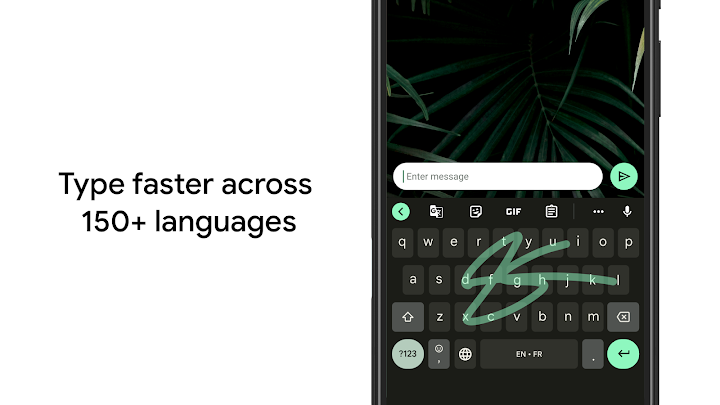
Gboard is the keyboard most Android users meet every day, and its strength is how little it gets in the way of a thought. You can tap out a message in the usual way, or slide a finger from letter to letter with Glide Typing when you want to move faster. Voice typing is there for hands-busy moments, such as walking with shopping bags or cooking, while handwriting support suits notes and signatures that feel more natural by pen than by tapping.
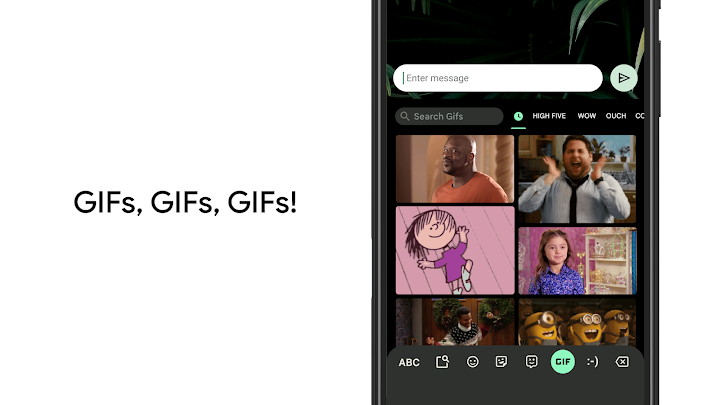
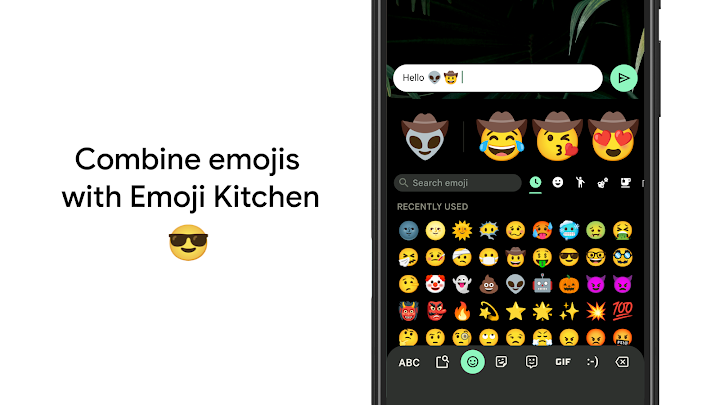
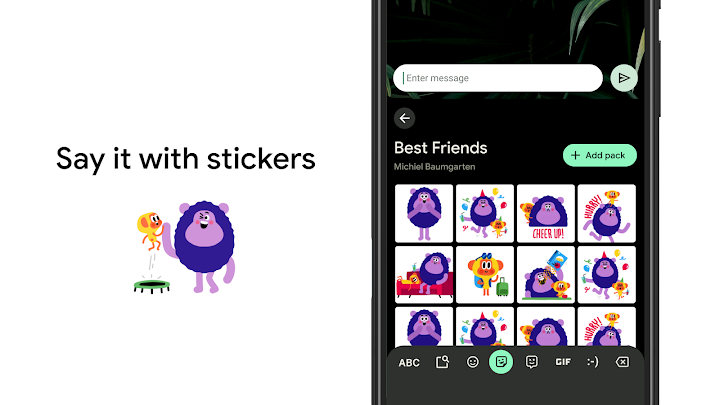
Expression is built into the same keyboard, so you do not need to leave a conversation to find the right reaction. Emoji search helps you locate a face or symbol quickly, and GIF search can add a short, funny clip when words alone feel flat. Because Gboard handles many languages and can switch between them without manual toggling, it is a good fit for bilingual households, students, and anyone who regularly messages in more than one language.
Practical touches make longer writing less fiddly. Sliding across the space bar moves the cursor without endless tapping, while a gesture from the delete key can remove several words at once. You can keep the number row visible for codes and figures, pin the keyboard to one side on a large phone, and choose a theme with or without key borders so the layout matches your taste and eyesight.
Gboard also travels beyond the phone. On Wear OS, a compact version keeps glide typing, voice input, and emoji within reach on your wrist, which is handy for a short reply when your phone is in a pocket. With built-in translation as you type, it can even help bridge a language gap mid-message. Altogether, it is a fast, flexible keyboard that adapts to how you already type, rather than asking you to learn a new way of writing.