- Developer
- Opera
- Installs
- 500M+
- Downloads
- 0
- Views
- 3
- Updated
- Oct 26, 2026
Screenshots

About Opera: Private Web Browser
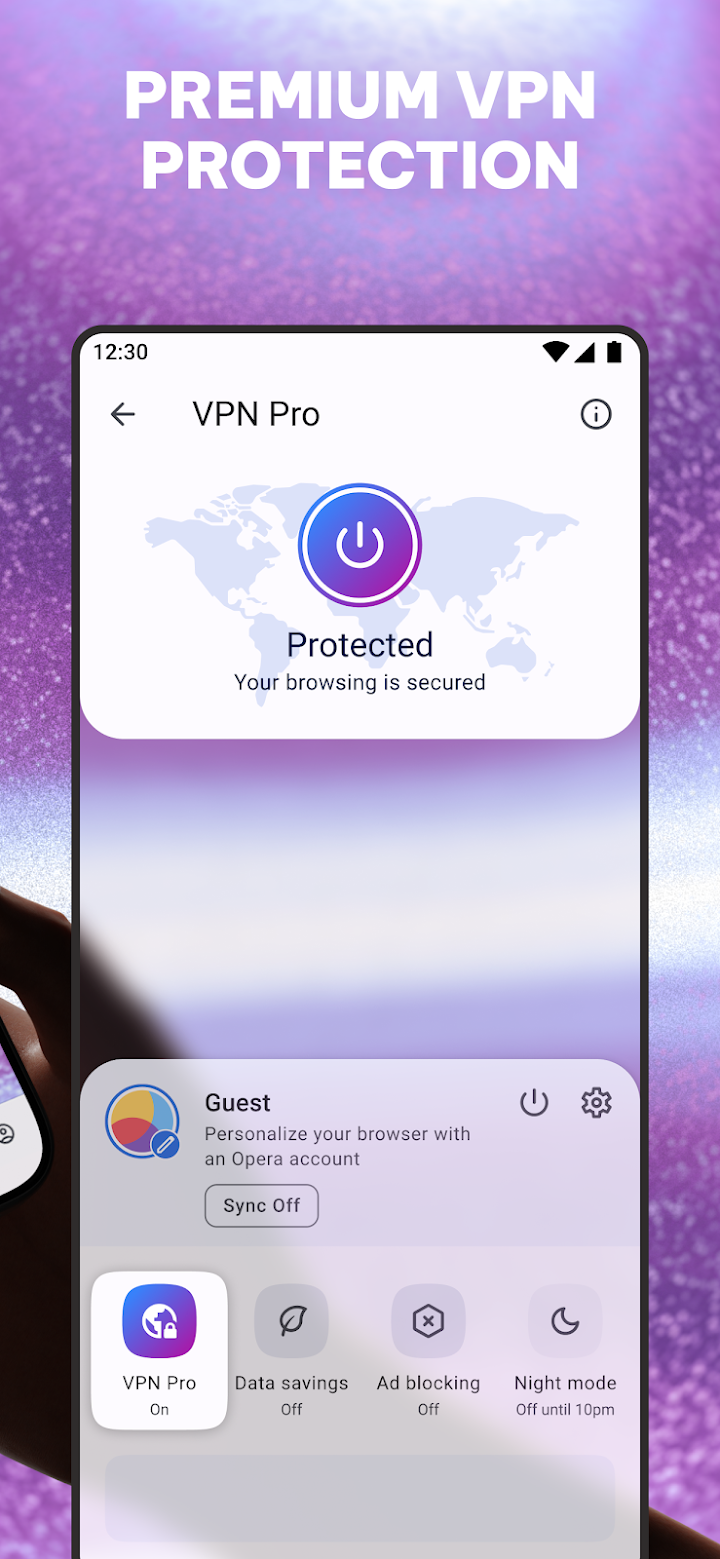
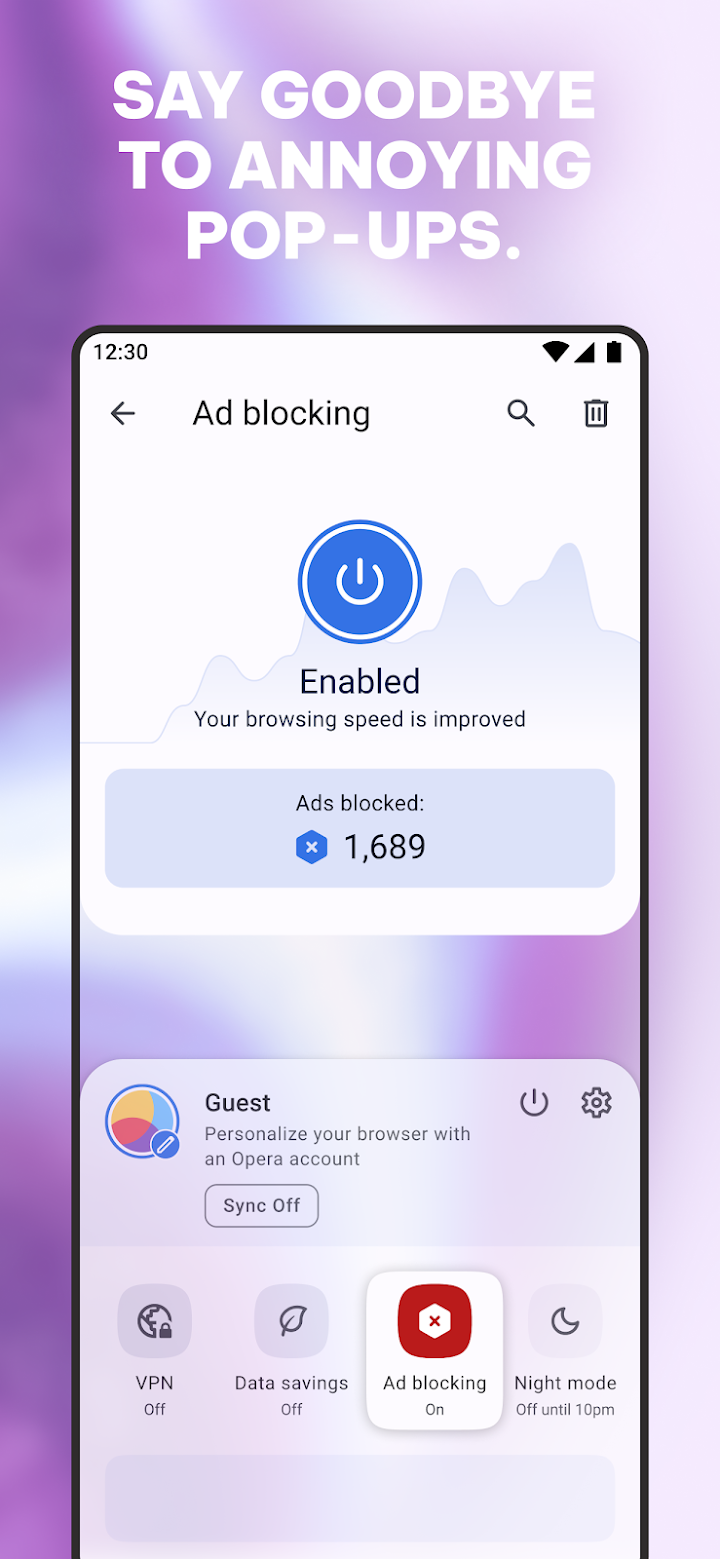
Opera has long been the browser for people who want useful extras without installing a drawer full of add-ons. On Android, it combines fast browsing with a built-in ad blocker, so pages can load more quickly and use less battery. A built-in free VPN adds privacy for everyday browsing, while private search and incognito tabs keep particular sessions separate from your main history.
Its integrated AI assistant is meant for moments when you need a quick answer rather than a long search. You can ask for explanations, summaries, and ideas without leaving the page you are reading, which is handy for homework, travel planning, or making sense of a dense article. A customizable newsfeed adds another way to keep up, letting you follow topics you care about and set aside the ones you do not.
Opera is also practical when a connection is patchy or costly. A smart download manager helps you save videos and music for later, and offline pages make it possible to read on a train or in a low-signal area. Data-saving mode uses compression to stretch a mobile plan further, a welcome feature for anyone who browses a lot away from Wi-Fi. Sports fans get live scores and alerts as an extra touch.
Continuity ties it together. Flow lets you share files, links, and notes between devices, so something found on a phone can be waiting on a computer when you sit down later. Personalization completes the picture: you can shape the homepage, search engine, and settings to fit how you browse. For a browser that feels both private and personal, Opera is an easy switch from the default.