- Developer
- Videolabs
- Installs
- 500M+
- Downloads
- 0
- Views
- 2
- Updated
- Oct 26, 2026
Screenshots

About VLC for Android
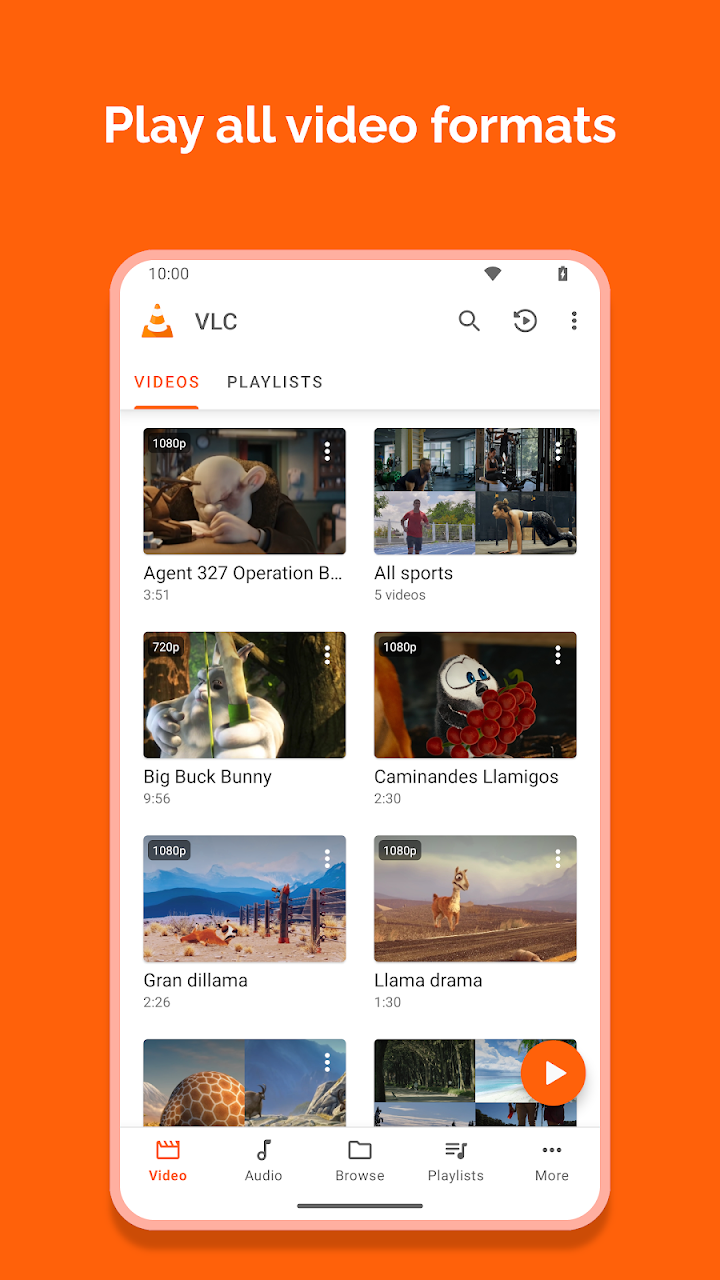
VLC for Android earns its reputation by playing what other players sometimes refuse. It handles most local video and audio files, along with network streams, network shares, and drives, so a downloaded film, a podcast, or a home-network video can usually open without a hunt for another app. Support for formats such as MKV, MP4, AVI, MOV, Ogg, and FLAC means you can focus on watching or listening instead of converting files first.
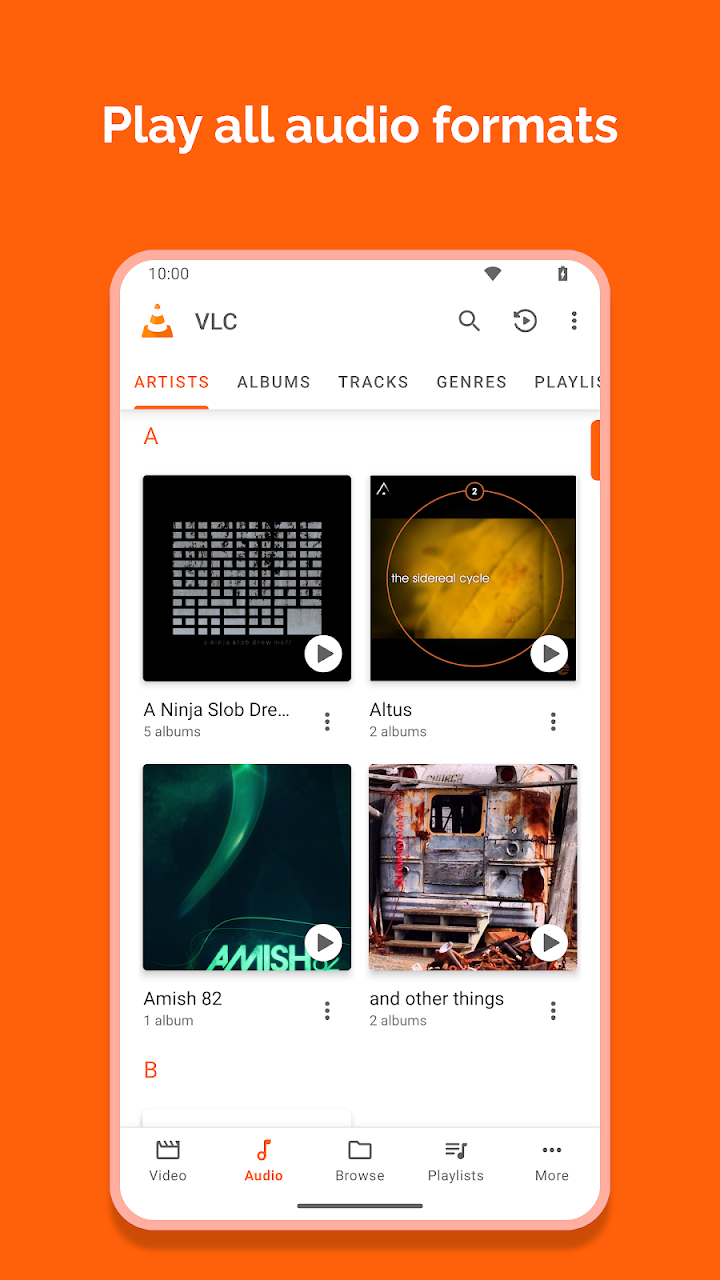
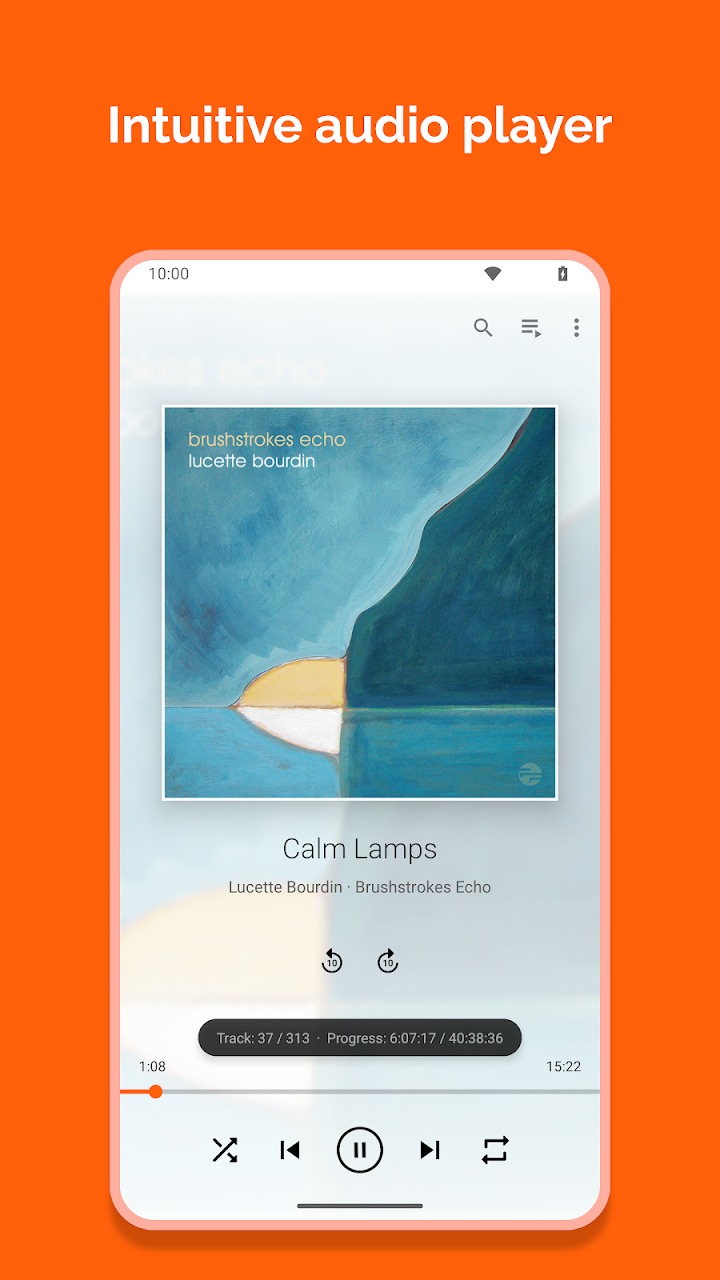
The app is also a capable music player in its own right. A media library organizes audio and video files, while folder browsing lets you go straight to a specific collection when you know where it lives. An equalizer and filters help shape sound for headphones, speakers, or a quiet room, and cover art, headset controls, and an audio widget keep playback easy to manage without opening the app every time.
For video, small controls make a real difference. Multi-track audio and subtitle support help with films in other languages or versions with commentary, while auto-rotation and aspect-ratio adjustment keep the picture looking right on different screens. Picture-in-picture support lets a video continue while you check a message, which is useful for lectures, matches, and long interviews.
What many users value most is what VLC does not do. It is free and open source, with no ads, no in-app purchases, and no tracking built into the experience. Developed by volunteers and supported by a long-standing community, it brings the familiar desktop player's flexibility to Android phones, tablets, and Android TV. If you want one dependable player for almost any file, VLC for Android is a strong place to start.