
- Developer
- Bytedance Pte. Ltd.
- Installs
- 1B+
- Downloads
- 0
- Views
- 1
- Updated
- Oct 25, 2026
Screenshots


About CapCut - Video Editor
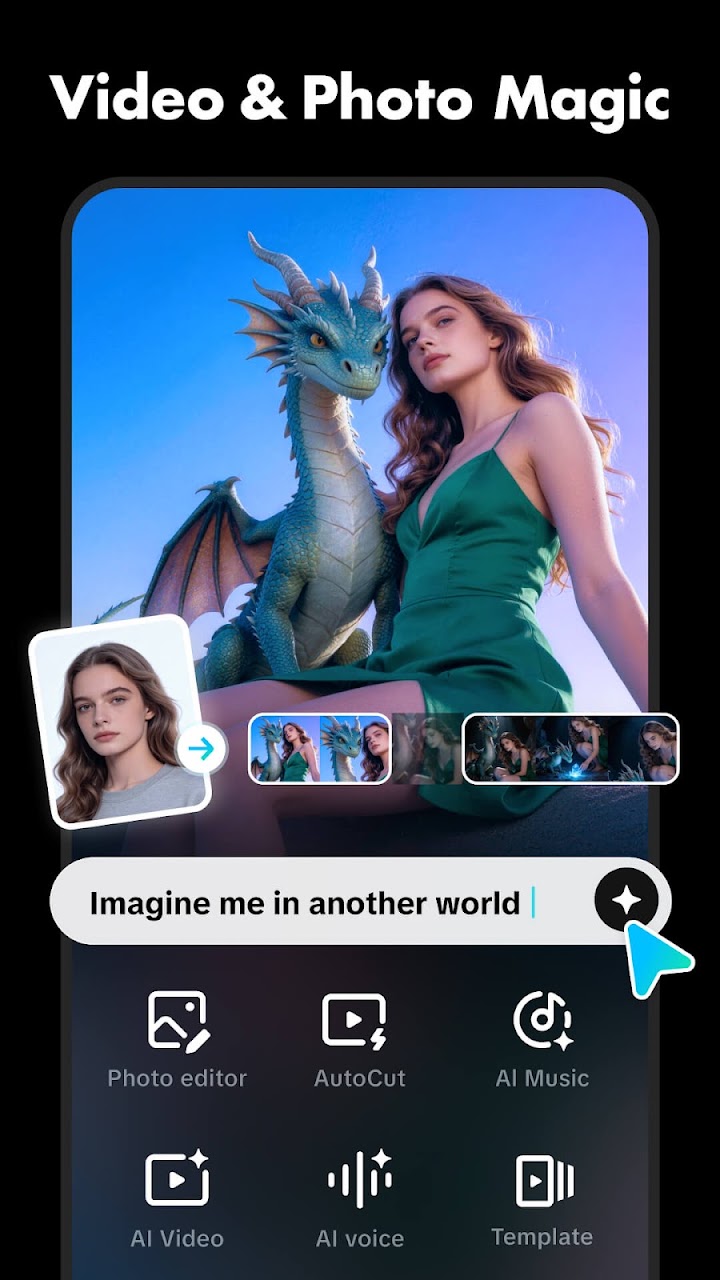
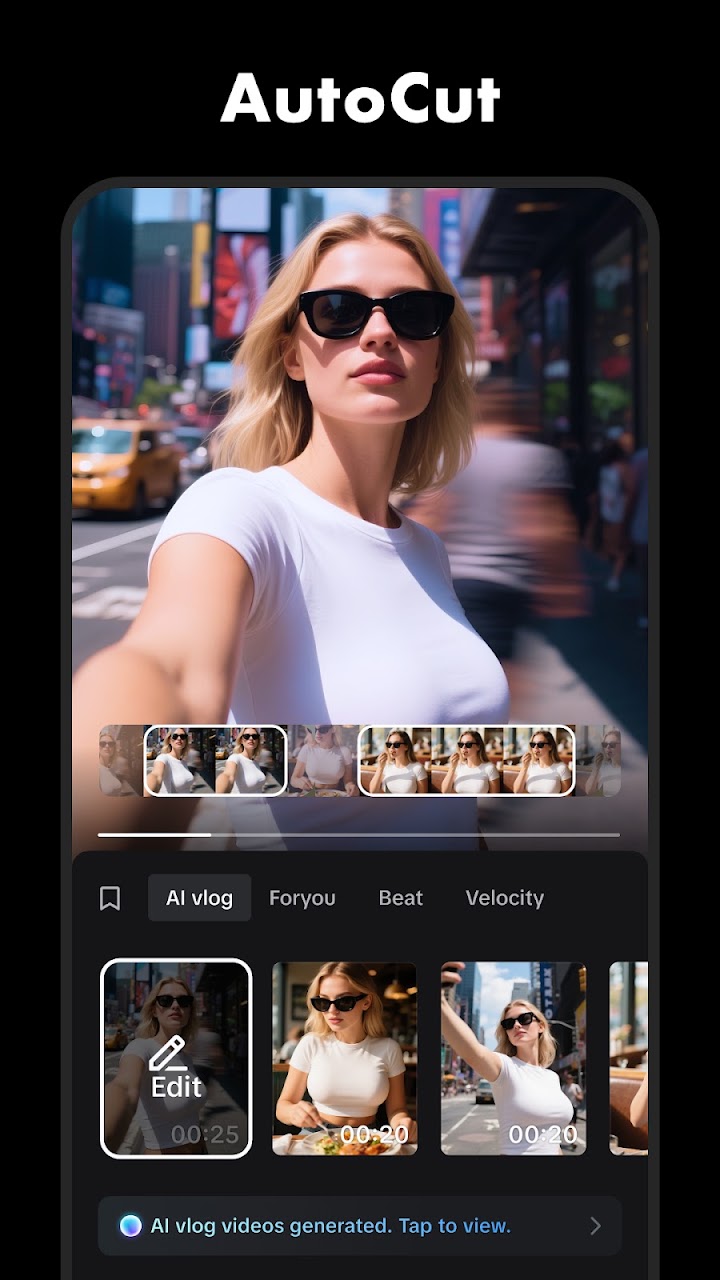
CapCut puts a full video editor in your pocket, with room to grow from a first trim to a polished short film. CapCut offers easy-to-use video editing functions, in-app fonts and effects, and advanced features such as keyframe animation, smooth slow-motion, chroma key, and stabilisation, to help you capture and snip moments. It is an all-in-one video editor and video maker with everything you need to create videos on your phone, from a quick social clip to a polished short film.
Start with the basics. Trim and shorten clips and split or merge videos, adjust video speed from 0.1x to 100x and apply speed curves to clips, animate video clips with incredible zoom in and out effects, highlight the best moments with the freeze feature, and explore transition options with awesome effects on and between clips. When you are ready for more, keyframe video animation is available for all settings, you can edit videos to create smooth slow-motion with the optical flow feature and speed curve tool, use the chroma key to remove specific colours from videos, arrange and preview clips easily on a multi-track timeline, and keep footage steady with the stabilising feature.
Intelligent features do the heavy lifting. Auto captions automate speech recognition and subtitles in videos, so your clips are watchable even with the sound off. Finish with sound and sharing. Add millions of music clips and sound effects to videos, or extract audio from a video to reuse it, then export in high quality, including 4K, ready for whatever platform you post on.
CapCut suits creators who want a phone editor that grows with them: beginners who just need to trim and caption, and more ambitious editors who want keyframes, speed ramps and green-screen effects without opening a desktop app. Shoot, cut, caption and share — all from your phone.