- Developer
- Google LLC
- Installs
- 10B+
- Downloads
- 0
- Views
- 4
- Updated
- Oct 26, 2026
Screenshots
About Google Calendar
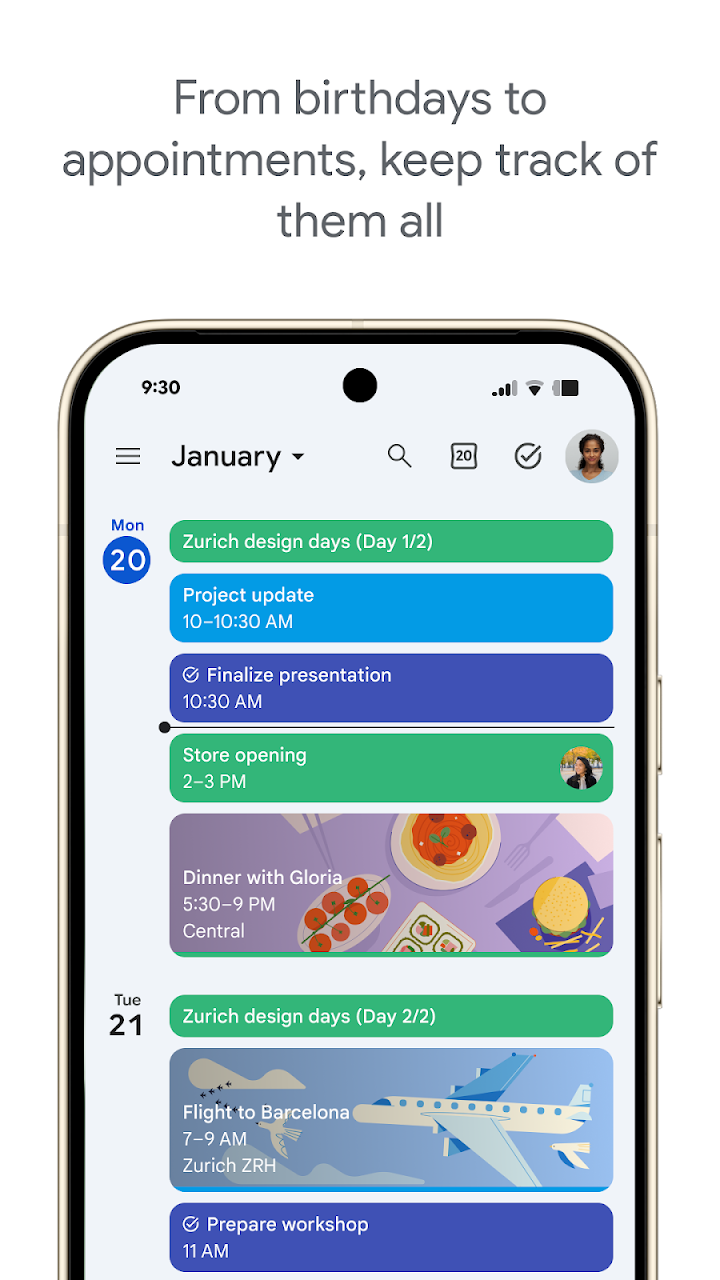
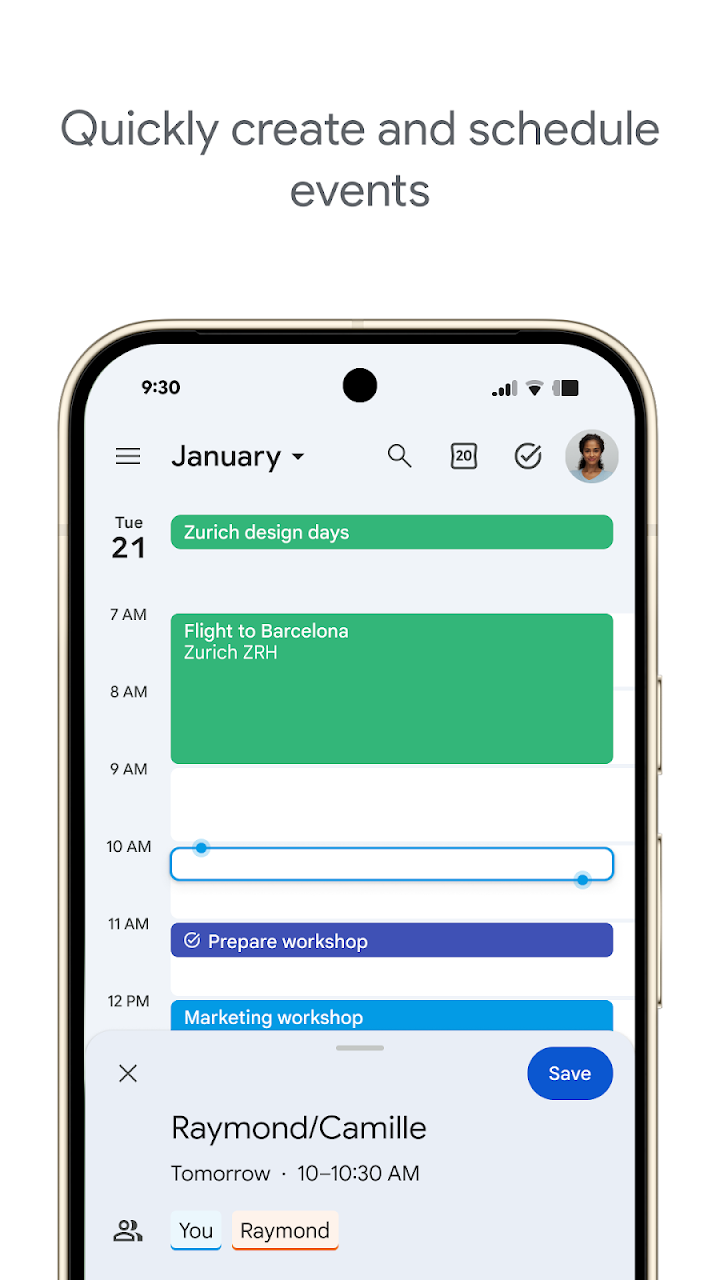
Google Calendar is the kind of app that quietly holds a busy life together. It keeps events, tasks, and shared plans in one place, so a work meeting, a school run, a flight, and a birthday do not compete for attention in separate lists. You can move between month, week, and day views to see the shape of a week at a glance or focus on what matters today, and color-coding helps different parts of life stand out at a glance.
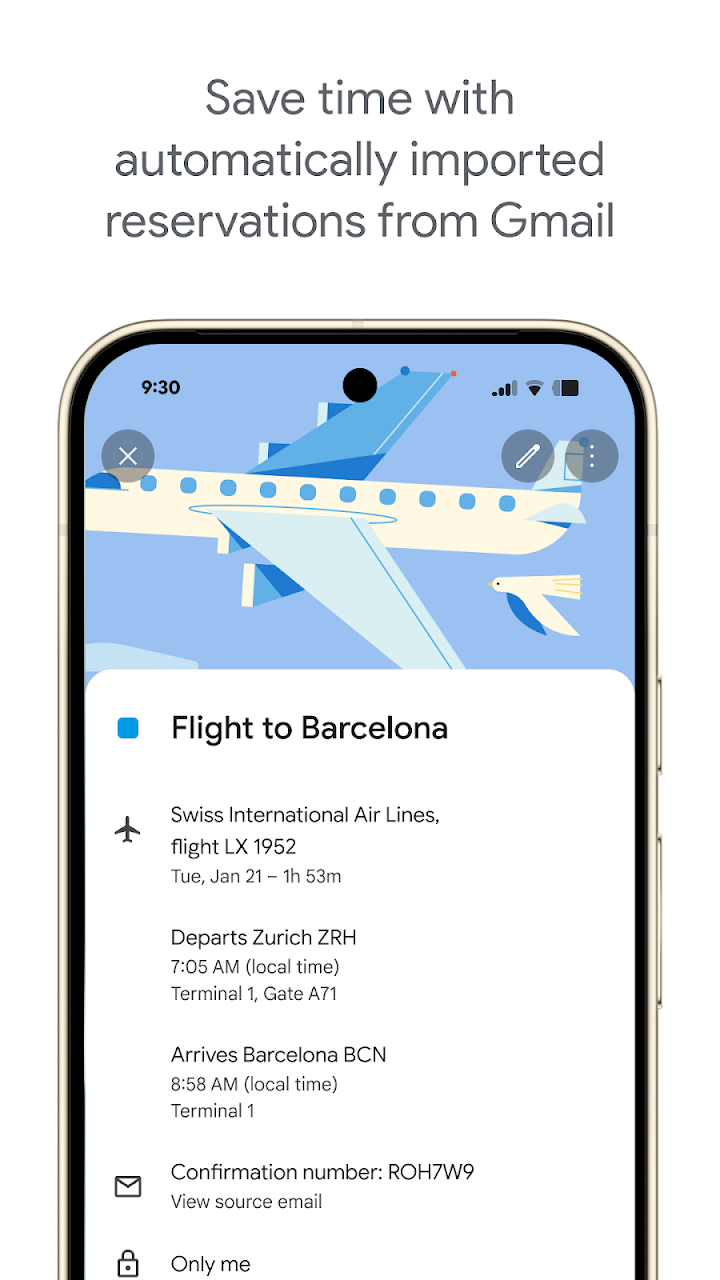
Much of the day-to-day work happens automatically. Events from Gmail, such as flights, hotel stays, and concerts, can be added to your calendar without retyping times and booking details. Tasks sit alongside events rather than in a separate app, so a to-do can be planned into a free hour instead of floating without a time. A full-screen task view makes it easier to review what is left and decide what comes next.
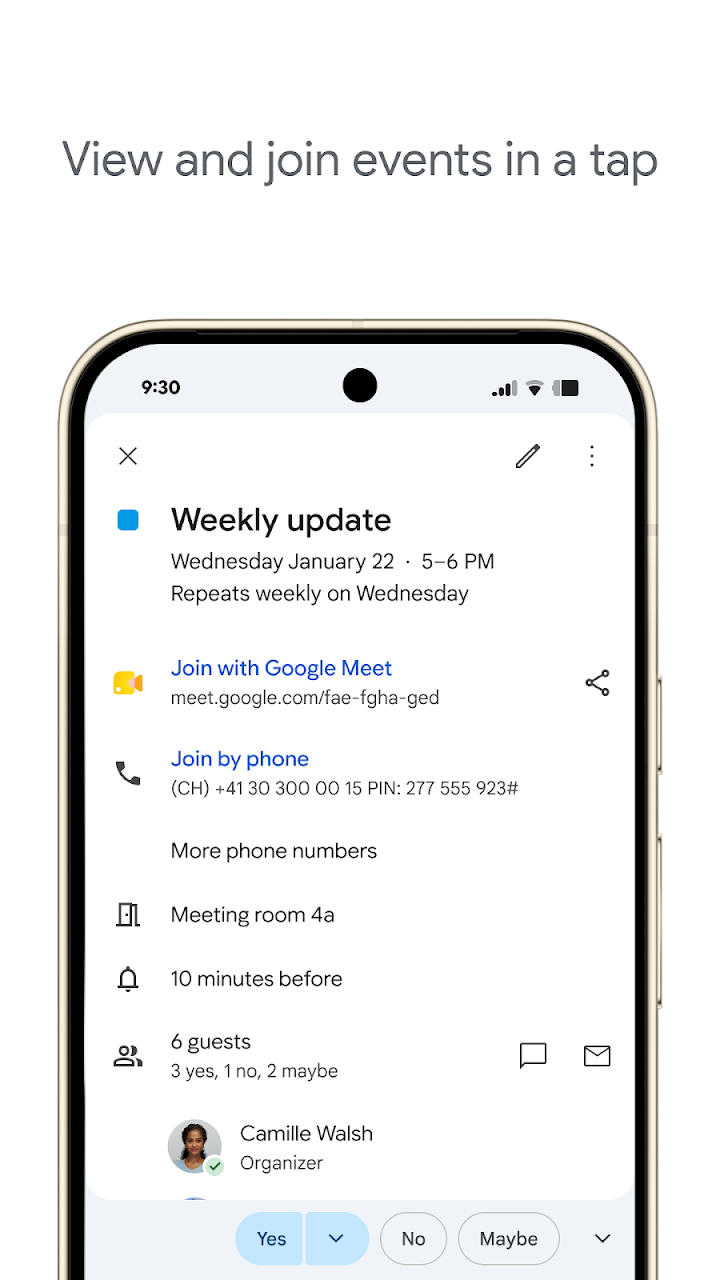
Sharing is where Calendar becomes a household and team tool. Family, friends, and colleagues can view, add, or manage events on shared calendars, which cuts down on the back-and-forth of checking who is free. For work, you can layer teammates' calendars to find a meeting time, add a Google Meet video call to an event, attach notes and pre-read materials, and note a working location so others know where to find you.
Calendar also travels well across devices. It works on an Android phone, tablet, Wear OS device, and computer without losing your place, so a quick check on your wrist can confirm a time before you reply to a message. Light and dark modes, plus personal color choices, let it match your preferences. As part of Google Workspace, it fits naturally into wider work routines while remaining simple enough for a personal schedule. For anyone who wants fewer missed appointments and calmer days, Google Calendar is a dependable daily companion.