
- Developer
- Google LLC
- Installs
- 1B+
- Downloads
- 0
- Views
- 1
- Updated
- Oct 26, 2026
Screenshots


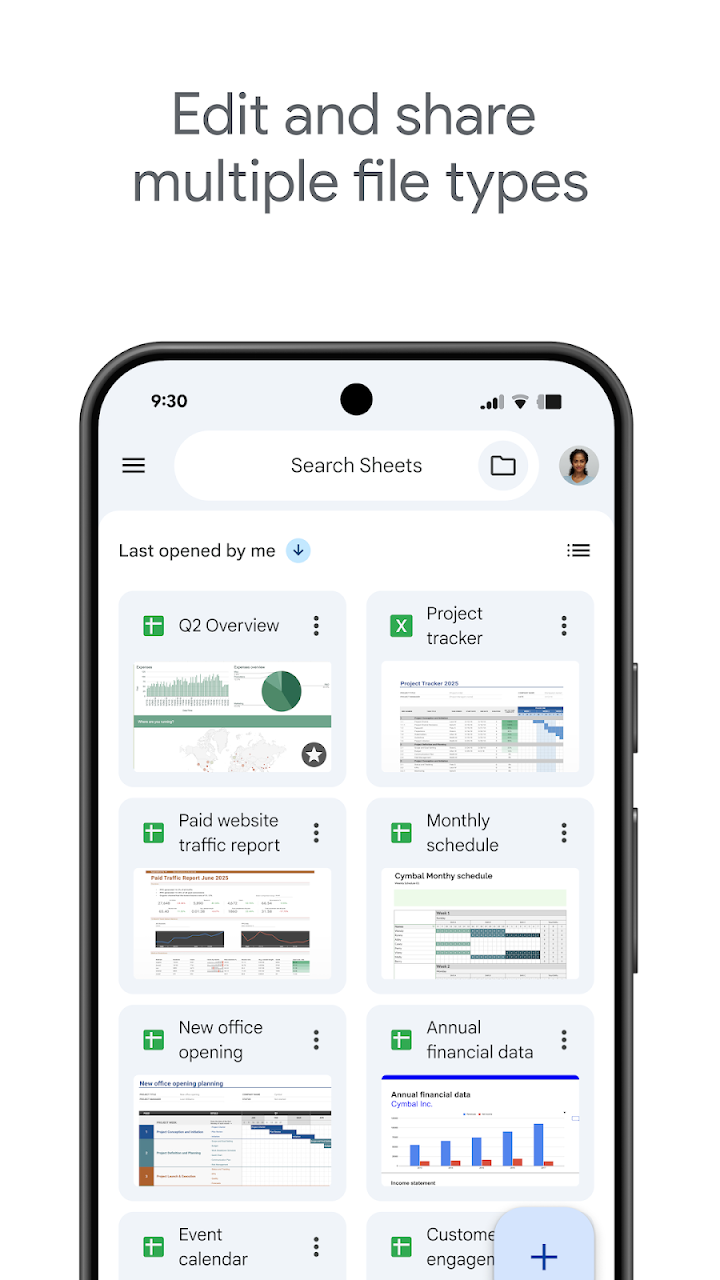

About Google Sheets
Google Sheets puts a capable spreadsheet on your phone or tablet, so a budget, rota, grade tracker, or project list is never tied to a desk. You can create a new sheet from scratch or open an existing file, then enter data, sort it, and format cells to make the important figures stand out. Charts help turn rows of numbers into a picture you can grasp at a glance, while formulas handle totals, averages, and other calculations without a calculator in hand.
Collaboration is where Sheets earns its place in team work. You can share a sheet and work in the same file at the same time, watching changes appear as colleagues update their parts. Comments let you ask a question, explain a figure, or suggest a correction without rewriting someone else's work. Because everything is saved automatically as you type, a dropped connection or a closed app is far less likely to cost you an afternoon of edits.
Smart suggestions add a useful shortcut for everyday analysis. They can help surface insights, suggest charts, and apply formatting, which is handy when you know what question you want answered but are not sure which view will show it best. Find and replace, sorting, and familiar spreadsheet tools keep larger files manageable, whether you are tracking expenses, planning an event, or reviewing results over a term or a quarter.
Sheets also fits smoothly into wider workflows. It can open, edit, and save Excel files, so you do not have to convert everything before you start. Offline work means you can keep editing on a train, in a classroom, or anywhere without a reliable connection, then sync when you return. As part of Google Workspace, it connects naturally with the way many teams already chat, create, and share, making it a practical choice for study, home, and work.