- Developer
- Microsoft Corporation
- Installs
- 1B+
- Downloads
- 0
- Views
- 4
- Updated
- Oct 25, 2026
Screenshots
About Microsoft Outlook
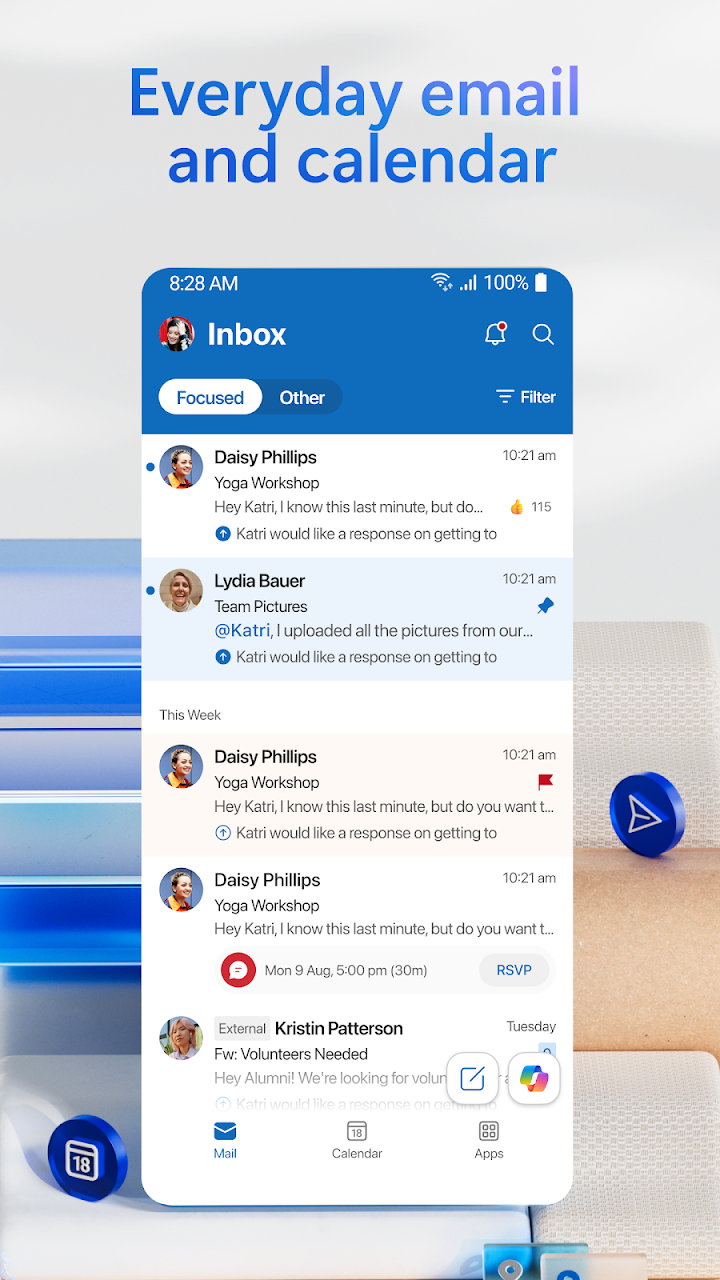
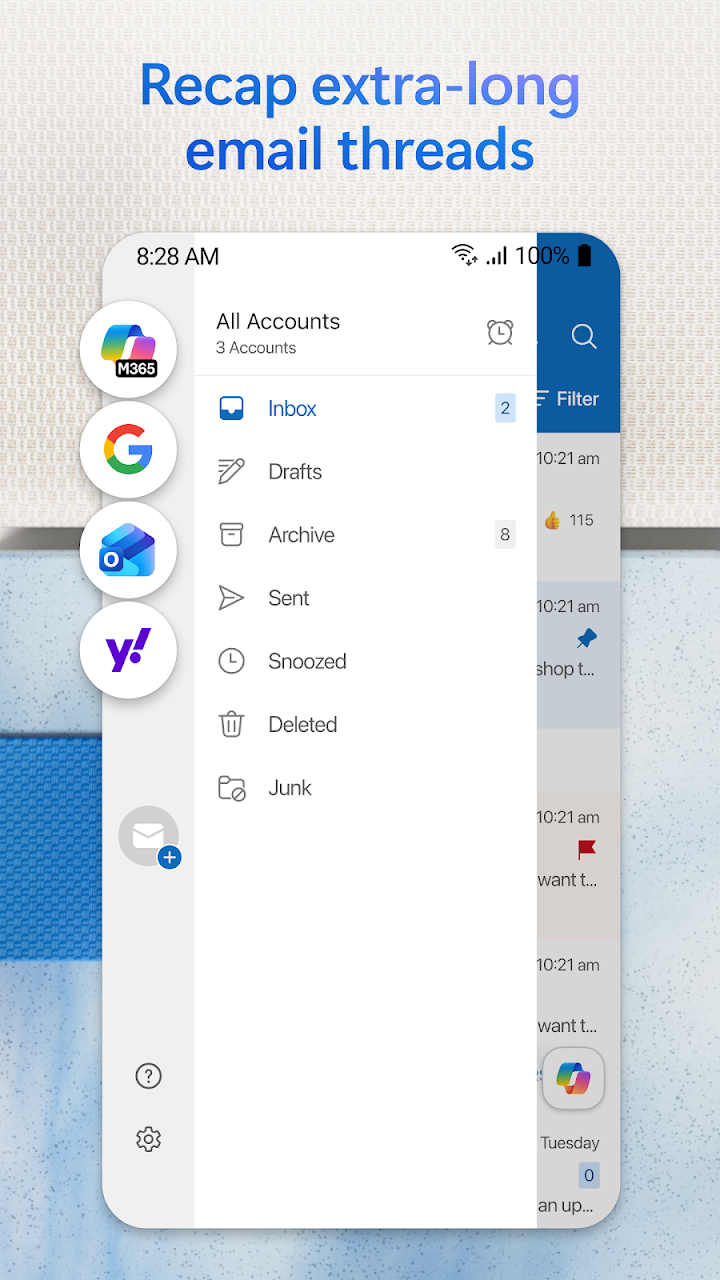
Microsoft Outlook gathers every inbox and calendar into one app. Stay organised with a unified inbox, intelligent filtering and multiple calendars at a glance. Outlook is free for personal use and supports Microsoft Exchange, Microsoft 365, Outlook.com, Gmail, Yahoo Mail, iCloud, IMAP and POP3, so every account you own can live in one place instead of scattered across apps.
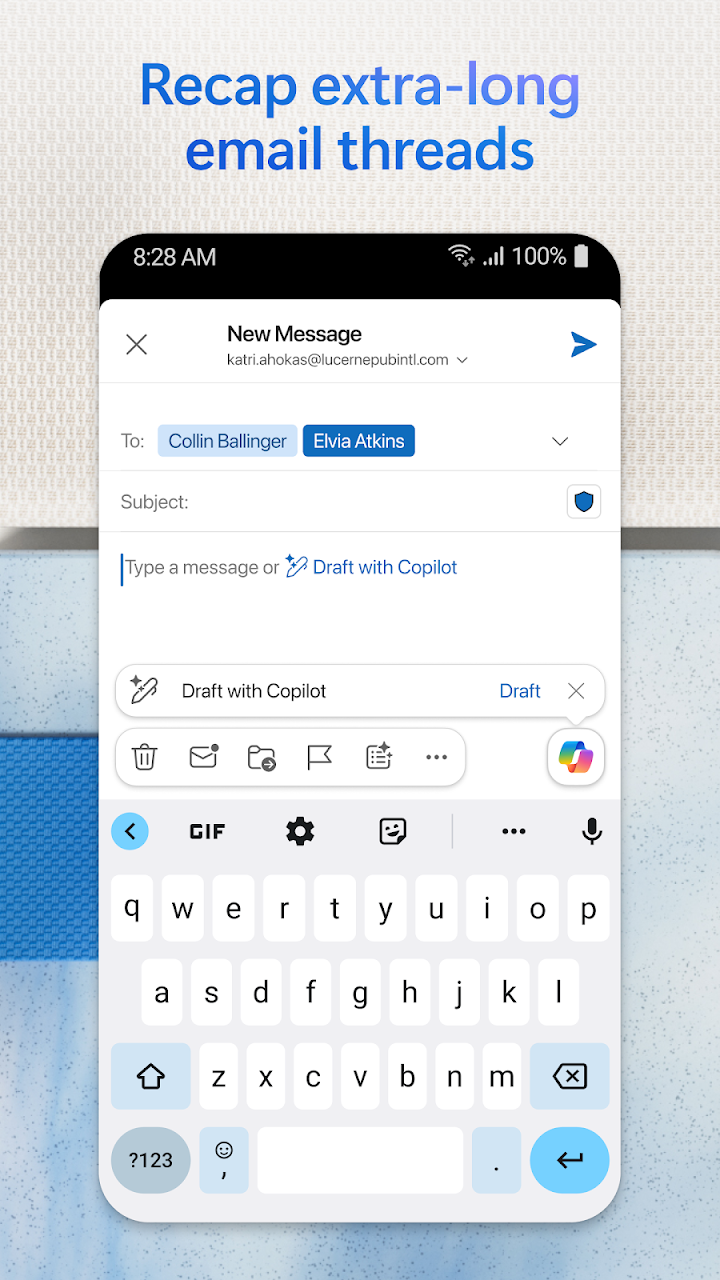
Write polished emails with built-in tools for grammar, spelling and real-time typing suggestions. Attach files from OneDrive, your device, or other cloud storage, and open Word, Excel and PowerPoint files directly from your inbox. Cut through clutter with swipe gestures to delete, archive, snooze or move messages, pin important emails, flag messages for follow-up, and find anything fast using simple tap or voice search.
Stay protected from phishing, spam and other threats with enterprise-grade security, and join Teams, Zoom or other video meetings directly from Outlook — anywhere you go. Outlook includes inbox, contacts and files: manage Gmail, Yahoo Mail, iCloud and more in one place, access recent attachments and connect to Word, Excel, PowerPoint and OneNote, and organise email with filters, folders and spam protection.
Planning and calendar management let you view multiple calendars side by side, join online meetings from your calendar, and keep work and personal life in balance. Microsoft Outlook suits anyone with more than one inbox: professionals, students and anyone who wants email, calendar and contacts in one place. Stay organised — every account, every calendar, one app.